In the ring / Ragdoll Robot Boxing
Combat & controls
Understand the four HUD meters, the G special prompt, move states and the difference between a knockdown and a win.
In this guide
01What actions does the game confirm?
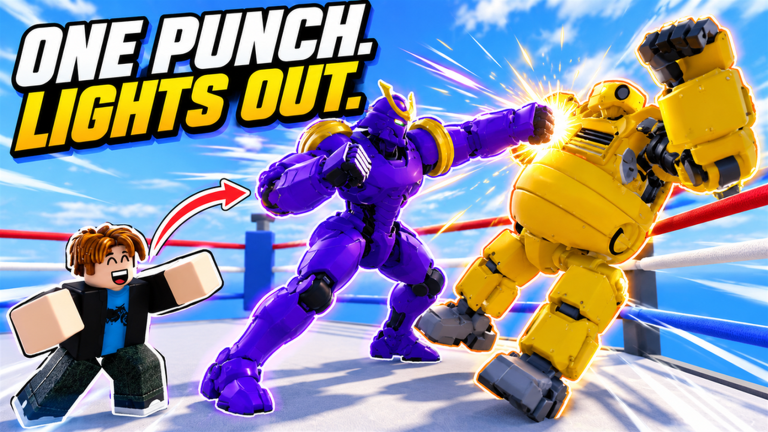
Ragdoll Robot Boxing includes hooks, uppercuts, ducking, weaving and blocking, plus a special move for each robot. The developer describes physics-driven punches and visible dents where hits land. The footage below shows those fights taking place in rings inside the shared hub.
The recorded keyboard interface displays G beside the special move. That is a video-observed input, rather than a full verified keyboard layout. The current tutorial remains the reference for hooks, uppercuts, movement and defense on your device.
| Action | What the source establishes | Suggested drill |
|---|---|---|
| Hook / uppercut | Both punch types are available. | Try each separately against the same bot and compare where the attack lands. |
| Block | Blocking is a defensive action. | Practice finding the block input while tracking your opponent. |
| Duck / weave | Both movement actions are listed. | Try one at a time before combining it with an attack. |
| Robot special | Each robot has its own special move. | Learn the activation prompt, then watch the result before trying again. |
| Knockdown | Badges track knockdowns separately from wins. | Follow the current game’s recovery and end-of-fight prompts. |
02How to read the fight HUD
The fight display separates Head, Body, Stamina and Guard into four labeled meters. It also shows a Downs counter and a separate Special panel. In Rokko’s October 30 gameplay clip, the player’s unit is labeled Patchwork at 00:15. Knowing which meter you are looking at makes the action easier to follow.
Watch Head and Body separately after an exchange; do not read the stamina bar as health. Check the Special panel for the move name and availability. The recording shows READY, ACTIVE and a countdown at different moments, so the move’s status matters as well as its input.
| Display | How to read it |
|---|---|
| Head / Body | Two distinct condition meters shown in the fight HUD. The recording does not establish a damage formula. |
| Stamina / Guard | Separate resources on screen. Watch their changes during attack and defense; regeneration rates are not measured here. |
| Downs | A counter shown alongside the unit. It is separate from the health and resource bars. |
| Special | The current move name, a G key prompt, and a status or countdown. A remaining countdown is not its full cooldown. |
03Using the special-move panel
The special panel tells you three things: which move is equipped, the keyboard prompt, and whether it is ready, active or counting down. In the clip, Giant Swing is READY around 00:05 and ACTIVE around 00:06. Later, other shots show numerical countdowns.
As a practice routine, identify the move before an exchange, use the displayed input when ready, then watch the result and the new status. Avoid treating a visible 08s or 13s remaining as the total cooldown: the recording cuts between fights and does not show a complete timing test.
| Move visible in the clip | Reference | Observation |
|---|---|---|
| Giant Swing | 00:05–00:06; 00:15 | READY and ACTIVE states appear; the 00:15 shot labels the unit Patchwork. |
| Superman Punch | 00:10 | The special panel shows the move name and a countdown. |
| Rocket Barrage | 00:25 | The panel shows the move name, G prompt and remaining countdown. |
04PC, phone and controller controls
All three input types are named in the game listing. The source does not provide a button-by-button mapping, and an input familiar from another Roblox game may perform a different action here. Learn the mapping before trying to learn a combo.
On PC, identify the movement and camera inputs first, then the punch and defense prompts. On phone, locate each action in the current touch interface and practice without covering the area you need to see. With a controller, identify which prompt corresponds to each action on your connected device. These are setup checks, not verified platform-specific button instructions.
If you switch input devices, repeat the tutorial controls check. Being comfortable on one layout does not establish the mapping on another. The video establishes the displayed G special prompt; the remaining PC keys, controller buttons and touch-button positions still need verification.
05A four-part practice session
1. Find the action
Use an Easy bot and one familiar robot. Start with the action you are learning, rather than trying to win as quickly as possible. Your goal is to know which input you used and recognize its result.
2. Separate movement from attacks
First observe movement and defensive actions without deliberately chaining punches. Then work on a single punch type. Comparing isolated attempts makes it easier to notice whether the problem was positioning or selecting the wrong action.
3. Add one follow-up
Once you recognize your defensive action and your punch, try them in sequence. Observe what happens instead of assuming an advertised “guaranteed combo” works. No frame data or guaranteed combo sequence has been confirmed for this guide.
4. Repeat with one change
Keep the robot and bot difficulty constant while changing one decision. When that becomes familiar, change either the robot or the difficulty. A repeatable comparison is more useful than changing everything after a loss.
Practice recommendations are editorial advice. They are not measured damage tests, tournament advice or a verified optimal combo route.
06Knockdowns, wins and special finishes
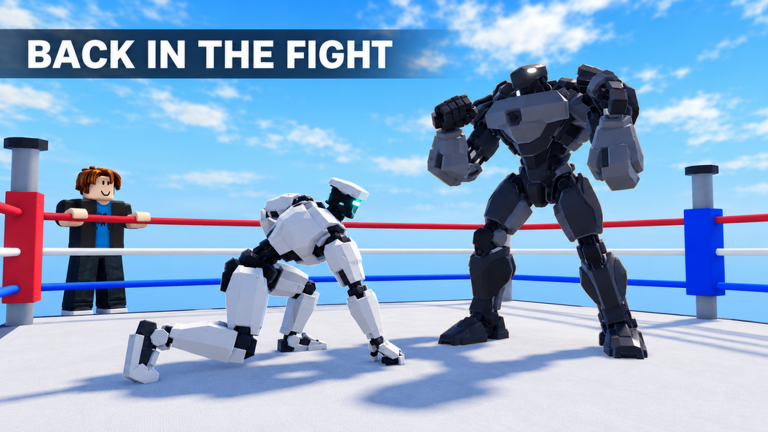
Several badge definitions make an important distinction. Lights Out requires a first opponent knockdown. First Blood requires a first fight victory. Back From the Dead requires recovering from a knockdown and then winning. Read the fight outcome rather than treating the first fall as an automatic win.
Flawless means winning without being knocked down. It does not say that you must take zero damage. Special Delivery means knocking an opponent down with your special; merely pressing the special input is not the stated condition. These differences matter when you choose what to practice.
Dents are described as appearing at hit locations. The public description does not say they reduce a limb’s performance, permanently damage a robot or create a weak point. Treat those extra claims as unverified rather than building a strategy around them.
| Goal | Badge | Do not confuse it with |
|---|---|---|
| First knockdown | Lights Out | Winning the entire fight |
| Win without being knocked down | Flawless | A confirmed zero-damage challenge |
| Recover and still win | Back From the Dead | Getting knocked down without winning afterward |
| Knockdown using a special | Special Delivery | Activating a special without the stated result |
07Turn practice into measurable goals
The badge list provides three long-term combat totals: Heavy Hitter for one thousand landed punches, Wrecking Crew for one hundred thousand total damage, and Demolition Expert for one hundred knockdowns. They measure different outcomes. A punch count is not a damage formula, and total knockdowns are not the same as total wins.
Use these milestones as reference points, not as a reason to invent a fastest farming method. The public entries do not explain which match types contribute to every total or whether a particular session rule changes progress. Check what the game records as you play.
After an attempt, ask: did I choose the action I intended, did I recognize the opponent’s response, and did I understand the final result? If not, repeat the smaller drill. If yes, try the next bot difficulty or a player fight while keeping the same robot.
Sources & review
Built on the game’s own records.
Reviewed October 30, 2026. Game features are sourced from the developer’s listing; badge names and requirements come from Roblox’s public badge records for universe 10772027067. HUD and special-move observations come from Rokko’s linked gameplay video; pass names and base prices come from Roblox’s store records. Practice drills are editorial suggestions. We reviewed the footage but did not perform an independent in-game playtest.
- Rokko’s gameplay video — October 30, 2026 ↗
- Official game-pass listings ↗
- Official game description ↗
- Official Roblox badge records (24 entries) ↗
- Ragdoll Physics Experiences community ↗
What still needs an in-game check?
The full control layout, complete robot roster and stats, full special cooldowns, spin odds and costs, slot-unlock prices and match reward rules still need verification. The video observations above cover only the readable labels and prompts. Badge conditions establish their stated milestones, not undocumented mechanics or prerequisites.